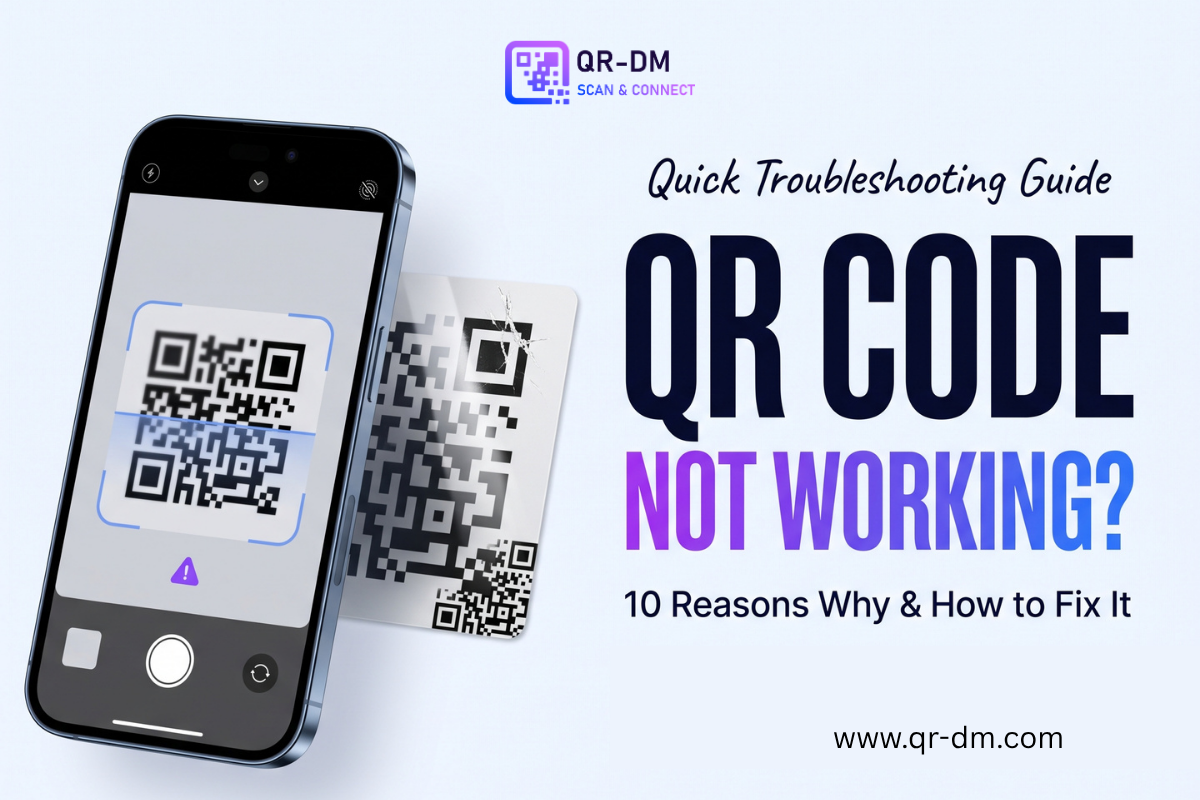
QR codes are made to make sharing information quick and easy, but sometimes a QR code simply refuses to scan. Your phone may not recognize the code, the camera may struggle to focus, or the QR code may scan but fail to open the right page. This can be frustrating, especially when the code is printed on a menu, poster, business card, product, or important document. The good news is that most QR code problems have simple causes. The issue could be the size, design, lighting, printing quality, phone camera, or even the link behind the code. In this guide, we will look at 10 common reasons why a QR code is not working and what you can do to fix each problem.
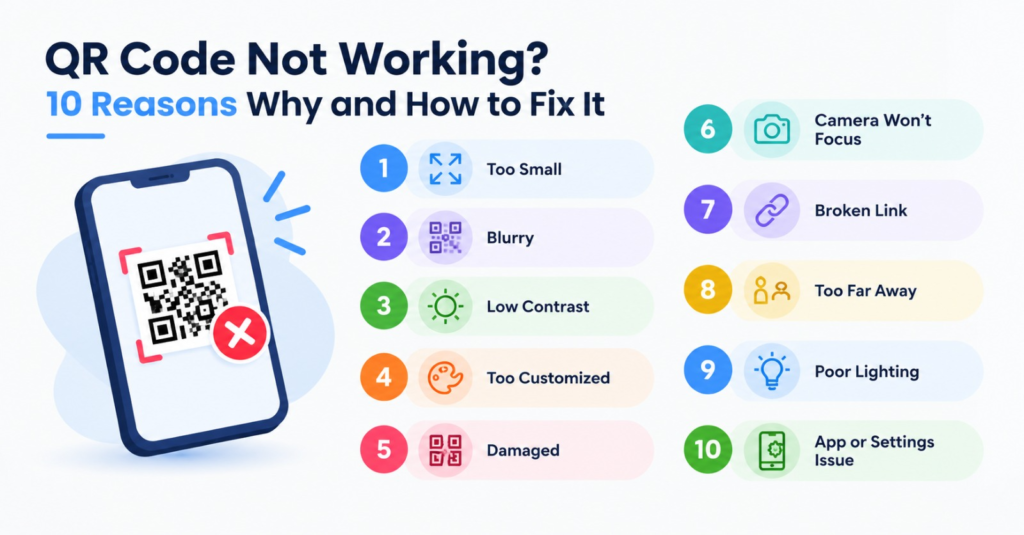
1. The QR Code Is Too Small
One of the most common reasons a QR code does not scan properly is its size.
A QR code needs enough space for a camera to clearly see its small squares and patterns. If you make the code too small, especially when printing it, the phone may have trouble reading it.
This often happens when a QR code is placed on:
- Small business cards
- Product labels
- Flyers
- Tickets
- Small stickers
- Packaging
How to Fix It
Make the QR code larger and test it from the distance where people will actually scan it.
For a poster viewed from several feet away, the QR code should be much larger than one printed on a business card.
The main rule is simple: the farther away people need to scan it, the larger the QR code should be.
2. The QR Code Is Blurry
A blurry QR code can be difficult for a phone camera to read.
This can happen when:
- The image was downloaded in low quality
- The QR code was stretched
- A screenshot was used instead of the original file
- The printed version is not sharp
- The code was resized incorrectly
Even if the QR code looks acceptable to your eyes, the small patterns may have become unclear.
How to Fix It
Use a high-quality QR code file when printing.
Formats such as SVG are useful for print because they can be resized without losing the sharp edges of the QR pattern. For digital use, make sure the image is clear and has enough resolution for its size.
If possible, avoid repeatedly saving and resizing the same QR image.
3. There Is Not Enough Contrast
QR codes need a clear difference between the code and its background.
The classic black QR code on a white background works well because the contrast is strong.
Problems can happen when you use colors that are too similar.
For example:
Light gray code + white background = poor contrast
Dark blue code + white background = stronger contrast
How to Fix It
Use a dark QR pattern on a light background whenever possible.
You can customize QR codes to match your brand, but design should never come before readability.
If you use a colored QR code, test it with several phones before publishing or printing it.
4. The QR Code Is Too Heavily Customized
Custom QR codes can look great, but adding too many design changes can make them harder to scan.
You might change the:
- Pattern
- Eye style
- Colors
- Background
- Logo
- Shape
A small logo or simple design change may work perfectly. But if the QR pattern is heavily covered, distorted, or difficult to see, scanners may struggle.
How to Fix It
Keep the QR pattern easy to recognize.
If you add a logo, make sure it does not cover too much of the code. Always scan the final design before using it in public.
QR DM allows users to customize QR code colors, backgrounds, patterns, eye styles, and logos. After customizing a code, it is important to test the finished version before printing or sharing it.
5. The QR Code Is Damaged
Printed QR codes can become damaged over time.
A code on a restaurant table may get scratched. A poster outside may become wet. A sticker on packaging may become torn.
Small damage may not stop a QR code from working, but too much damage can make scanning difficult.
QR codes have built-in error correction, which helps them remain readable even when part of the pattern is damaged. However, there is a limit.
How to Fix It
If the physical QR code is damaged, replace it with a clean copy.
For important printed materials, keep the original QR file so you can quickly print another copy when needed.
6. The Phone Camera Cannot Focus
Sometimes the QR code is fine, but the phone simply cannot focus on it.
This can happen when the phone is:
- Too close to the QR code
- Too far away
- Moving too much
- In a dark area
- Facing a reflective surface
How to Fix It
Try these simple steps:
- Hold the phone steady.
- Move it slightly farther away.
- Make sure the whole QR code is visible.
- Improve the lighting.
- Clean the camera lens.
- Wait a moment for the camera to focus.
You do not always need to hold your phone extremely close to a QR code. Give the camera enough space to recognize the complete pattern.
7. The Lighting Is Too Poor
A QR code may not scan properly in a dark environment.
The opposite can also happen. Strong reflections or direct glare can make parts of the code difficult for the camera to see.
This is especially common with QR codes printed on:
- Glossy packaging
- Glass
- Shiny signs
- Laminated menus
- Reflective surfaces
How to Fix It
Move to a brighter area or change the angle of the phone.
If you are creating a QR code for print, test the actual printed material under normal lighting.
A QR code that works perfectly on your computer screen may behave differently when printed on a shiny surface.
8. The QR Code Link Is Broken
Sometimes the QR code scans correctly, but the website does not open.
In this case, the QR code itself may not be the problem.
The destination could be:
- Offline
- Deleted
- Moved
- Expired
- Incorrectly configured
- Restricted to certain users
For example, you may scan a QR code and see a message such as “Page not found.”
That means your phone successfully read the QR code, but the destination is not working correctly.
How to Fix It
Check the original website or destination link.
If you created the QR code yourself, make sure:
- The URL is correct.
- The webpage still exists.
- The website is online.
- The link works on another device.
- There are no unnecessary restrictions.
For business QR codes, check the destination regularly, especially if the code is printed on materials that will stay in use for a long time.
9. A Dynamic QR Code Has Been Disabled
Dynamic QR codes can be very useful because their destination can usually be changed after the QR code is printed.
However, they depend on the service managing the QR code.
If the dynamic QR service is disabled, the QR code may scan but fail to reach the intended destination.
This can happen because of account issues, service rules, plan limitations, or other provider-related problems.
How to Fix It
If you manage the QR code, log in to your QR code service and check its status.
Make sure:
- The QR code is active.
- The destination is correct.
- Your account is active.
- The destination page is working.
- Any required service plan is still active.
This is one reason to understand how a dynamic QR code works before using one for a long-term campaign.
10. The QR Code Was Created Incorrectly
A QR code can fail because of a problem during creation.
For example, the wrong website address may have been entered when the code was generated.
The QR code can still look completely normal, but it will take users to the wrong place.
This is why testing is one of the most important steps when creating a QR code.
How to Fix It
After creating a QR code:
Scan → Check the destination → Test the page → Then publish
Do not wait until thousands of flyers or business cards have been printed to discover that the code contains the wrong information.
With QR DM, you can create QR codes for URLs, Wi-Fi, phone numbers, email, business cards, locations, text, WhatsApp, documents, PDFs, events, payments, and other uses.
Always test the final QR code before sharing it.
Quick QR Code Troubleshooting Checklist
If your QR code is not working, go through this list:
- Is the QR code large enough?
- Is the image sharp?
- Is there enough contrast?
- Is the code heavily customized?
- Is the QR code damaged?
- Can your phone camera focus on it?
- Is there enough light?
- Does the destination link work?
- Is a dynamic QR code still active?
- Did you enter the correct information when creating it?
In many cases, one of these checks will reveal the problem.
Related : Static QR Code vs. Dynamic QR Code: Which Should You Choose?
Why Does a QR Code Scan but Not Open?
This is an important difference.
There are actually two separate QR code problems:
The QR Code Does Not Scan
The phone cannot recognize the pattern.
The problem may be:
- Size
- Blur
- Contrast
- Lighting
- Camera focus
- Damage
- Poor design
The QR Code Scans but the Page Does Not Work
The phone recognizes the code, but the destination has a problem.
The issue may be:
- A broken URL
- An offline website
- A deleted page
- A disabled dynamic QR code
- An incorrect destination
- A service or account problem
Knowing which problem you have can make troubleshooting much faster.
How to Prevent QR Code Problems
Fixing a broken QR code is useful, but preventing the problem is even better.
Test Before Printing
Scan the code using more than one phone if possible.
Try it in the same conditions where customers or visitors will use it.
Keep Enough White Space
QR codes need a clear area around the pattern. Do not place text, images, or other design elements too close to the code.
This helps scanners identify the QR code properly.
Use a Suitable Size
Think about where the QR code will be placed.
A small code on a business card may be fine when held close. A QR code on a large poster needs to be easy to scan from farther away.
Keep the Design Simple
Branding can make a QR code look better, but readability should always come first.
Do not sacrifice scanning ability for decoration.
Check the Destination
The QR code can work perfectly while the website behind it is broken.
Check important QR code destinations from time to time, especially for long-term campaigns.
Static and Dynamic QR Codes Can Have Different Problems
The type of QR code can also affect troubleshooting.
A static QR code contains fixed information. If the information is a website address, that address stays in the code.
A dynamic QR code normally sends the scanner through a managed destination, which allows the destination to be updated later.
This means a dynamic QR code gives you more control, but it also adds another part that needs to work.
For a permanent phone number or Wi-Fi code, a static QR code may be enough.
For a marketing campaign where the destination may change, a dynamic QR code may be more useful.
What If a QR Code Works on One Phone but Not Another?
This does not always mean the QR code is broken.
Different phones can have different camera quality, software, screen brightness, and scanning features.
Try:
- Cleaning both camera lenses.
- Moving the phone slightly farther away.
- Improving the lighting.
- Testing the QR code with another scanning method.
- Checking whether the phone software is updated.
- Testing the QR code on several devices.
If the code works on multiple phones but not one specific device, the issue may be with that device rather than the QR code.
FAQs
1. Why is my QR code not working?
A QR code may fail to scan because it is too small, blurry, damaged, poorly designed, low in contrast, or difficult for the camera to see. Poor lighting and camera focus can also cause problems.
2. Why does my QR code scan but not open the website?
If the QR code scans but the website does not open, check the destination URL. The page may be deleted, offline, moved, incorrectly entered, or unavailable. If it is a dynamic QR code, also check whether the QR service is still active.
3. How do I make a QR code easier to scan?
Use a clear, high-quality QR code with strong contrast and enough space around it. Avoid covering too much of the pattern with logos or other designs. Make the code large enough for the distance from which people will scan it.
4. Can a damaged QR code still work?
Yes. QR codes have error correction that can help them remain readable when part of the code is damaged. However, heavy damage can eventually make the code impossible to scan. Replacing a badly damaged code is the safest option.
5. Should I use a static or dynamic QR code?
Use a static QR code when the information is fixed and you do not need to change the destination. A dynamic QR code is useful when you may want to change the destination later or need scan analytics. The best option depends on how you plan to use the QR code.
Conclusion
A QR code that does not work can be annoying, but the problem is often easy to find and fix. Start by checking the physical code, including its size, sharpness, contrast, design, and condition. Then check your phone’s camera, lighting, and focus. If the code scans but the page does not open, look at the destination link or the status of the dynamic QR service. Most importantly, always test a QR code before printing it on business cards, posters, packaging, menus, or other materials. A few minutes of testing can save you from replacing hundreds or thousands of printed items. With the right size, clear design, working destination, and regular checks, your QR codes can remain easy and reliable for people to scan.
Ready to create your own QR code?
Put these strategies into practice. Generate clean, high-resolution static or dynamic QR codes in seconds with full design customization, vector export, and scan analytics.
Zain
Technical Writer & QR Specialist