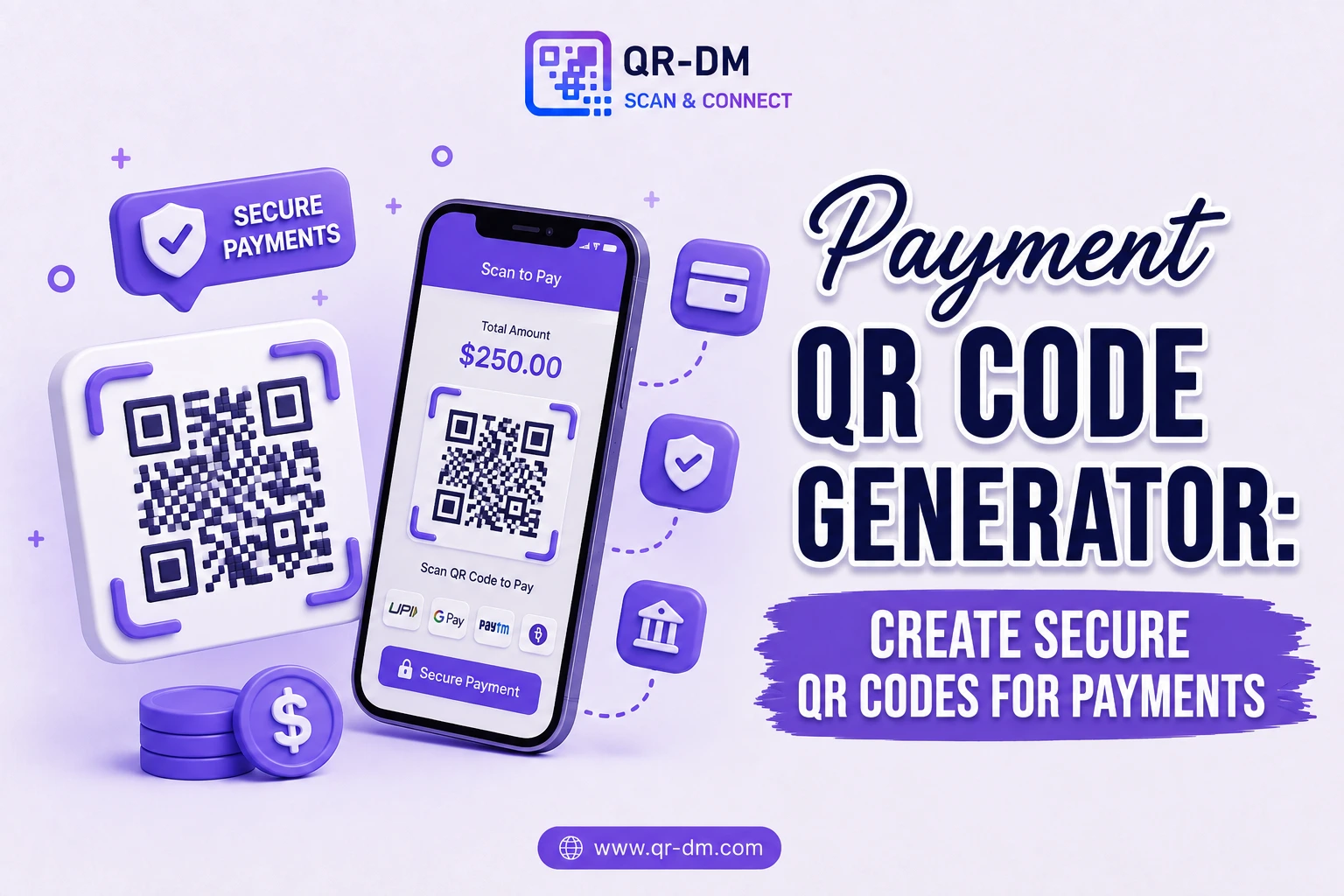
A Payment QR Code Generator lets businesses and individuals accept payments quickly and securely through a single QR code scan. Instead of manually entering bank details, payment references, or account numbers, customers scan a code and complete the transaction in seconds.
Payment QR Codes have reshaped digital payments by making transactions faster, more convenient, and more accessible across mobile devices. They’re widely used by retailers, restaurants, freelancers, e-commerce businesses, service providers, educational institutions, healthcare organizations, and non-profits.
Whether you’re collecting product payments, service fees, donations, subscriptions, invoices, or event registrations, a Payment QR Code turns checkout into a frictionless scan-and-pay experience.
What is a Payment QR Code?
A Payment QR Code is a QR code that contains payment information and directs users into a payment flow when scanned. It can be linked to a payment gateway, payment app, digital wallet, banking platform, or custom payment page.
Depending on the implementation, a Payment QR Code may contain:
- Merchant information
- Payment account details
- Payment amount
- Invoice references
- Order details
- Donation information
- Subscription payment links
How Does a Payment QR Code Work?
The flow from scan to completed payment is simple:
- Enter payment information or connect a payment destination.
- Generate the Payment QR Code.
- Display or share the QR code.
- A customer scans the code with their phone.
- Their payment app or a payment page opens automatically.
- They review the payment details.
- The transaction is completed securely.
Why Payment QR Codes Are Useful
Modern consumers expect fast, low-friction payment options. Every extra field, manual entry, or unclear step at checkout is a chance for someone to abandon the transaction.
Payment QR Codes remove that friction by eliminating manual entry of payment information entirely. By simplifying the process down to a scan, businesses can improve the customer experience, reduce payment errors, and increase how often transactions actually get completed.
Key Benefits of Using a Payment QR Code Generator
1. Faster Payments
Customers can complete a transaction within seconds of scanning, instead of navigating menus or typing in payment details.
2. Reduces Manual Data Entry
There’s no need to type account numbers, payment references, or long payment URLs — the QR code carries that information for you.
3. Improves Customer Experience
A simple scan-and-pay workflow feels modern and convenient, and removes a common point of frustration at checkout.
4. Supports Contactless Payments
Built for mobile-first, contactless environments where customers expect to pay directly from their phone.
5. Works Across Online and Offline Channels
Payment QR Codes function equally well in physical stores, on printed invoices, at events, on websites, and across marketing materials.
6. Increases Payment Completion Rates
Every step removed from the payment process reduces drop-off, which can translate directly into more completed transactions.
7. Suitable for Businesses of All Sizes
From solo freelancers invoicing a single client to large enterprises processing thousands of transactions, Payment QR Codes scale to fit.
Dynamic QR Code Feature for Payment QR Codes
What is a Dynamic QR Code?
A dynamic QR code can be managed, updated, and tracked after it’s already been printed or published, depending on the features the QR platform supports. For payments specifically, that means the destination behind a printed QR code doesn’t have to be fixed forever.
Dynamic QR Code features for Payment QR Codes may include:
- Scan analytics
- Campaign tracking
- Location insights
- Device analytics
- Editable payment destinations
- Centralized QR management from a dashboard
Why Dynamic QR Codes Are Useful
Payment links, invoices, products, and campaign destinations change over time — a price updates, an invoice closes, a fundraising goal shifts. Dynamic QR functionality lets businesses manage these changes without reprinting or replacing the QR codes already in circulation.
Dynamic QR Codes for All QR Types
Dynamic QR functionality isn’t unique to Payment QR Codes — it can be treated as a shared feature across QR categories including URL, WiFi, Phone, SMS, Email, WhatsApp, Business Card, Location, Text, PDF, Document, Event, App Link, App Download, Multi-Link, and vCard QR Codes.
Payment QR Code Use Cases
1. Retail Store Payments
Accept fast mobile payments right at the checkout counter, no card terminal required.
2. Restaurant Payments
Let customers pay their bill directly from their smartphone without waiting to flag down staff.
3. Freelancers and Consultants
Collect service payments quickly without sharing bank account details manually over email or chat.
4. E-commerce Orders
Offer an alternative, fast checkout option through a Payment QR Code.
5. Invoice Payments
Add a Payment QR Code directly to invoices so clients can pay in one scan instead of logging into a portal.
6. Event Ticket Sales
Collect registration fees and ticket payments efficiently at the point of signup.
7. Donations and Fundraising
Let supporters contribute instantly during a campaign, event, or in-person appeal.
8. Educational Institutions
Collect tuition fees, registrations, and event payments without manual processing.
9. Healthcare Providers
Accept consultation fees and service payments digitally at reception or after a visit.
10. Subscription Services
Simplify onboarding for recurring payments and membership sign-ups.
Payment QR Code vs Other QR Code Types
Payment QR Code vs URL QR Code
A URL QR Code opens a webpage. A Payment QR Code is built specifically to complete a transaction.
Payment QR Code vs App Link QR Code
An App Link QR Code opens an application. A Payment QR Code facilitates the actual payment processing.
Payment QR Code vs Multi-Link QR Code
A Multi-Link QR Code can offer multiple destinations at once. A Payment QR Code is purpose-built for payment collection alone.
Payment QR Code vs Event QR Code
An Event QR Code shares event details. A Payment QR Code collects the registration fees and payments tied to that event.
Best Practices for Creating a Payment QR Code
1. Use Secure Payment Providers
Always connect your QR code to trusted, verified payment systems to protect both your business and your customers.
2. Verify Payment Information
Double-check account details, references, and payment amounts before publishing the QR code anywhere.
3. Use a Clear Call to Action
Tell customers exactly what scanning does:
- Scan to Pay
- Pay Securely
- Complete Your Payment
- Scan for Instant Payment
4. Test Before Publishing
Verify the full payment flow works correctly across different devices and payment apps before printing or going live.
5. Use Dynamic QR Features
Dynamic QR functionality can improve campaign management and give you visibility into payment activity over time.
You Can Also Read : Business Card QR Code: Digital Networking Guide
Where Can You Place a Payment QR Code?
- Retail counters
- Invoices
- Receipts
- Restaurant tables
- Product packaging
- Event registration pages
- Flyers
- Posters
- Brochures
- Business cards
- Storefront displays
- Donation campaigns
Industries That Can Use Payment QR Codes
- Retail
- Restaurants
- E-commerce
- Healthcare
- Education
- Hospitality
- Professional services
- Events and conferences
- Non-profit organizations
- Financial services
FAQs
What is a Payment QR Code?
A Payment QR Code lets customers complete a payment through a simple QR code scan, without entering account details manually.
What is a Payment QR Code Generator?
It’s a tool used to create QR codes that simplify payment collection and transactions for businesses and individuals.
Can Payment QR Codes be used for donations?
Yes. They’re commonly used for donations, fundraising campaigns, and charitable contributions.
Can Payment QR Codes be dynamic?
Yes. Dynamic QR functionality may provide analytics, tracking, and editable payment destinations, depending on the platform.
Who should use Payment QR Codes?
Retailers, restaurants, freelancers, educational institutions, healthcare providers, event organizers, and any business that accepts digital payments.
Conclusion
A Payment QR Code Generator is a powerful tool for simplifying payment collection and improving customer convenience.
By enabling fast, contactless, and secure transactions, Payment QR Codes help businesses increase efficiency, reduce checkout friction, and improve how often payments actually get completed.
Combined with Dynamic QR Code functionality, Payment QR Codes become an essential part of modern payment processing, digital commerce, and everyday customer engagement.
Ready to create your own QR code?
Put these strategies into practice. Generate clean, high-resolution static or dynamic QR codes in seconds with full design customization, vector export, and scan analytics.
Zain
Technical Writer & QR Specialist