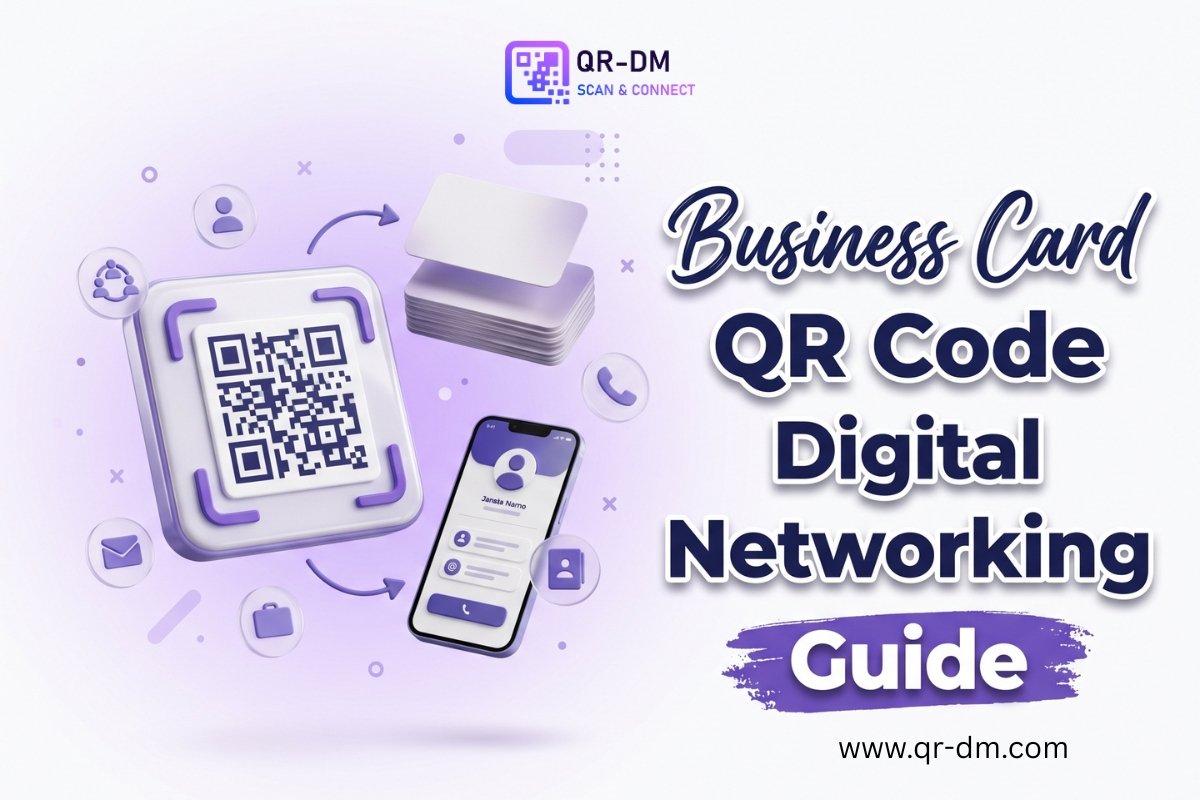
A Business Card QR Code Generator helps professionals and businesses create a QR code that instantly shares contact information with a simple scan. Instead of manually typing names, phone numbers, email addresses, websites, company details, or social media profiles, users can scan the QR code to access or save the information directly on their device.
Business Card QR Codes are widely used by entrepreneurs, sales professionals, consultants, freelancers, recruiters, healthcare providers, real estate agents, agencies, and corporate teams. They modernize networking, improve lead generation, and make exchanging contact information faster and more convenient.
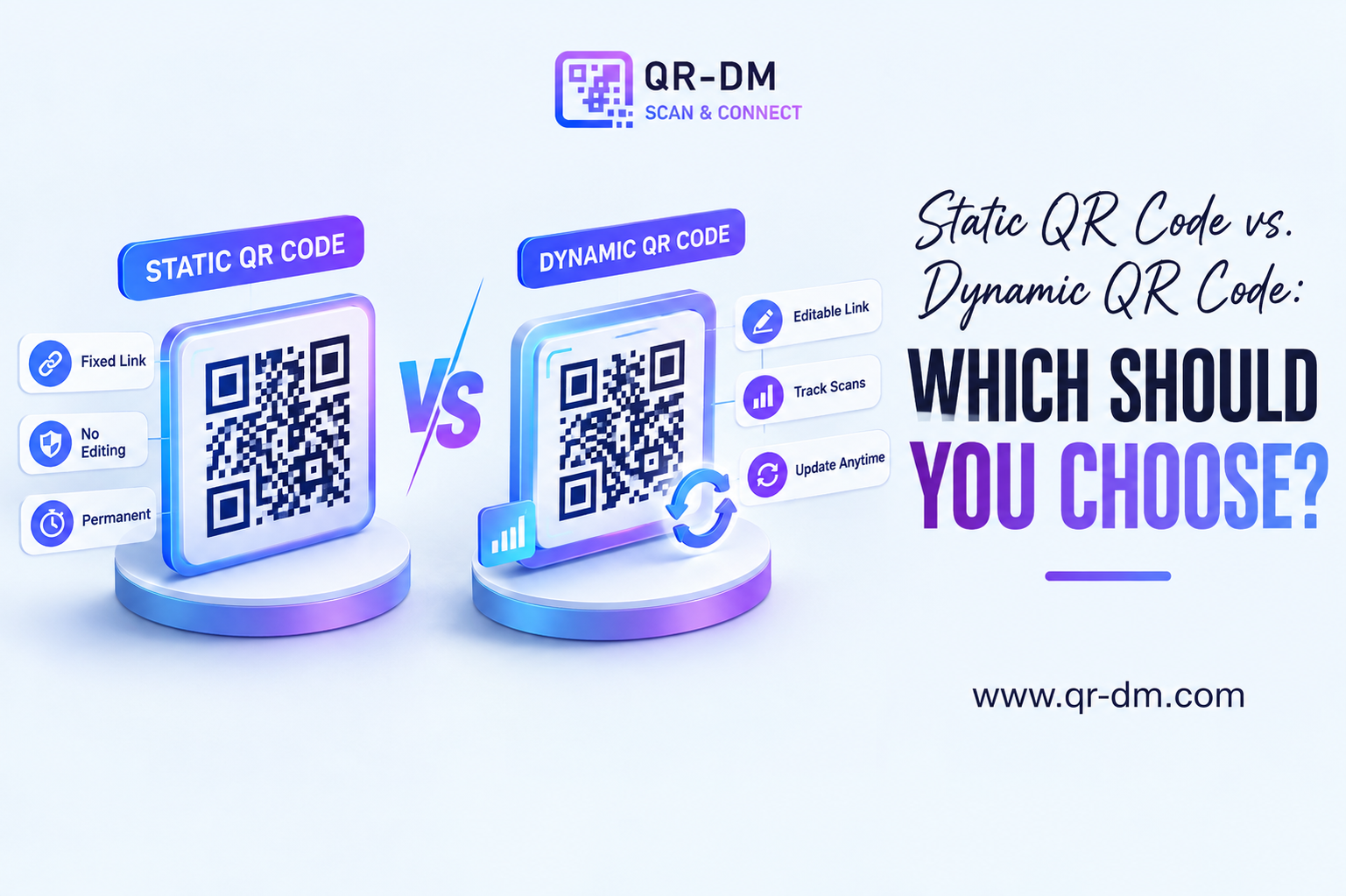
Many QR code platforms also offer Dynamic QR Code functionality. Dynamic features may be available across various QR code types, including URL, WiFi, Phone, SMS, Email, PDF, Payment, Multi-Link, and Business Card QR Codes, depending on the platform.
What is a Business Card QR Code?
A Business Card QR Code is a QR code that stores professional contact information in a digital format. When someone scans the code, they can instantly view or save your contact details without manually entering the information.
A Business Card QR Code may include:
- Full name
- Job title
- Company name
- Phone number
- Email address
- Website URL
- Office address
- Social media profiles
- Profile photo
This creates a seamless networking experience while reducing manual data entry.
How Does a Business Card QR Code Work?
Using a Business Card QR Code is simple:
- Enter your professional contact information into the generator.
- Generate the QR code.
- Print it on your business card or share it digitally.
- Users scan the QR code using their smartphone.
- Your digital business profile opens instantly.
- The user can save your contact information directly to their device.
The entire process takes only a few seconds and makes exchanging contact details much easier than traditional business cards.
Benefits of Using a Business Card QR Code Generator
Instant Contact Sharing
People can save your contact information immediately without manually typing phone numbers or email addresses.
Professional Networking
Business Card QR Codes provide a modern and professional networking experience during meetings, conferences, trade shows, and business events.
Eliminates Manual Data Entry
Since information is transferred digitally, users avoid typing errors and save valuable time.
Supports Digital Business Cards
A Business Card QR Code can include much more information than a printed card, including websites, portfolios, social profiles, and company information.
Better Lead Generation
Making it easier for prospects to save your contact details can increase follow-ups and create more business opportunities.
Easy to Share Anywhere
Business Card QR Codes work equally well on printed business cards, email signatures, websites, presentations, brochures, flyers, and social media profiles.
Eco-Friendly
Digital contact sharing can reduce the need for repeatedly printing business cards whenever your information changes.
Dynamic QR Code Features
Many QR platforms offer Dynamic QR Codes, providing additional flexibility after the QR code has been created.
Depending on the platform, Dynamic QR features may include:
- Editable contact information
- Scan analytics
- Campaign tracking
- Device insights
- Geographic scan insights
- Centralized QR code management
These features are especially valuable because professional information often changes over time. Instead of printing new business cards, businesses may simply update the linked information while keeping the same QR code.
Business Card QR Code Use Cases
Business Card QR Codes are useful across many industries and professions.
Sales Professionals can instantly share contact information during meetings and networking events.
Real Estate Agents can place QR codes on property brochures, signs, and advertisements.
Consultants and Freelancers can promote their services while providing quick access to their contact details.
Corporate Employees can exchange professional information efficiently during conferences and client meetings.
Healthcare Professionals can share clinic information, appointment details, and contact information with patients.
Recruiters and HR Teams can distribute digital contact information during career fairs and hiring events.
Startup Founders can network with investors, partners, and potential clients more effectively.
Marketing Agencies can showcase team profiles, websites, and social media channels through a single QR code.
Business Card QR Code vs Other QR Code Types
Business Card QR Code vs vCard QR Code
Both are designed for contact sharing. A vCard QR Code primarily focuses on saving contact details directly to a device, while a Business Card QR Code may provide a broader professional profile with additional business information.
Business Card QR Code vs Phone QR Code
A Phone QR Code opens the phone dialer for a call, whereas a Business Card QR Code shares complete professional contact information.
Business Card QR Code vs Email QR Code
An Email QR Code opens an email draft, while a Business Card QR Code gives users access to your complete professional profile.
Business Card QR Code vs Multi-Link QR Code
A Multi-Link QR Code directs users to multiple destinations, while a Business Card QR Code focuses specifically on professional identity and contact sharing.
Best Practices for Creating a Business Card QR Code
To maximize effectiveness:
- Keep all contact information accurate and up to date.
- Include your company website and professional social media profiles.
- Add a professional profile photo if supported.
- Use a clear call-to-action such as “Scan to Save Contact” or “Connect With Me.”
- Test the QR code on multiple devices before printing.
- Consider Dynamic QR functionality if your contact information may change in the future.
Where Can You Use a Business Card QR Code?
Business Card QR Codes work well on:
- Business cards
- Email signatures
- Conference badges
- Company websites
- Brochures
- Sales presentations
- Trade show booths
- Marketing materials
- Company profiles
- Social media profiles
Industries That Benefit from Business Card QR Codes
Business Card QR Codes are valuable across many industries, including:
- Sales and Marketing
- Technology
- Healthcare
- Real Estate
- Education
- Financial Services
- Consulting
- Professional Services
- Recruitment
- Hospitality
Related QR Code Generators
Depending on your business needs, you may also find these QR code types useful:
- URL QR Code
- vCard QR Code
- Phone QR Code
- Email QR Code
- WhatsApp QR Code
- Location QR Code
- PDF QR Code
- Payment QR Code
- Multi-Link QR Code
Together, these QR code solutions help businesses improve communication, customer engagement, and digital marketing.
FAQs
What is a Business Card QR Code?
A Business Card QR Code stores professional contact information that users can instantly access or save by scanning the code.
What is a Business Card QR Code Generator?
It is a tool that creates QR codes for sharing digital business and professional contact information.
Can Business Card QR Codes replace traditional business cards?
Yes. They can complement or even replace printed business cards by providing a faster and more interactive digital networking experience.
Can Business Card QR Codes be dynamic?
Yes. Depending on the platform, Dynamic QR Codes may support editing, scan analytics, campaign tracking, and centralized management.
What information can be included?
A Business Card QR Code may include your name, job title, company name, phone number, email address, website, office address, profile photo, and social media links.
Conclusion
A Business Card QR Code Generator is a smart solution for modern networking and digital contact sharing. It enables professionals to exchange information instantly, eliminates manual data entry, and creates a more engaging experience for potential clients, partners, and customers.
Whether you’re attending conferences, meeting clients, promoting your business, or growing your professional network, a Business Card QR Code makes sharing your information faster, easier, and more effective. When combined with Dynamic QR Code functionality, it becomes an even more powerful tool for maintaining up-to-date contact information and improving long-term networking success.
Ready to create your own QR code?
Put these strategies into practice. Generate clean, high-resolution static or dynamic QR codes in seconds with full design customization, vector export, and scan analytics.
Zain
Technical Writer & QR Specialist