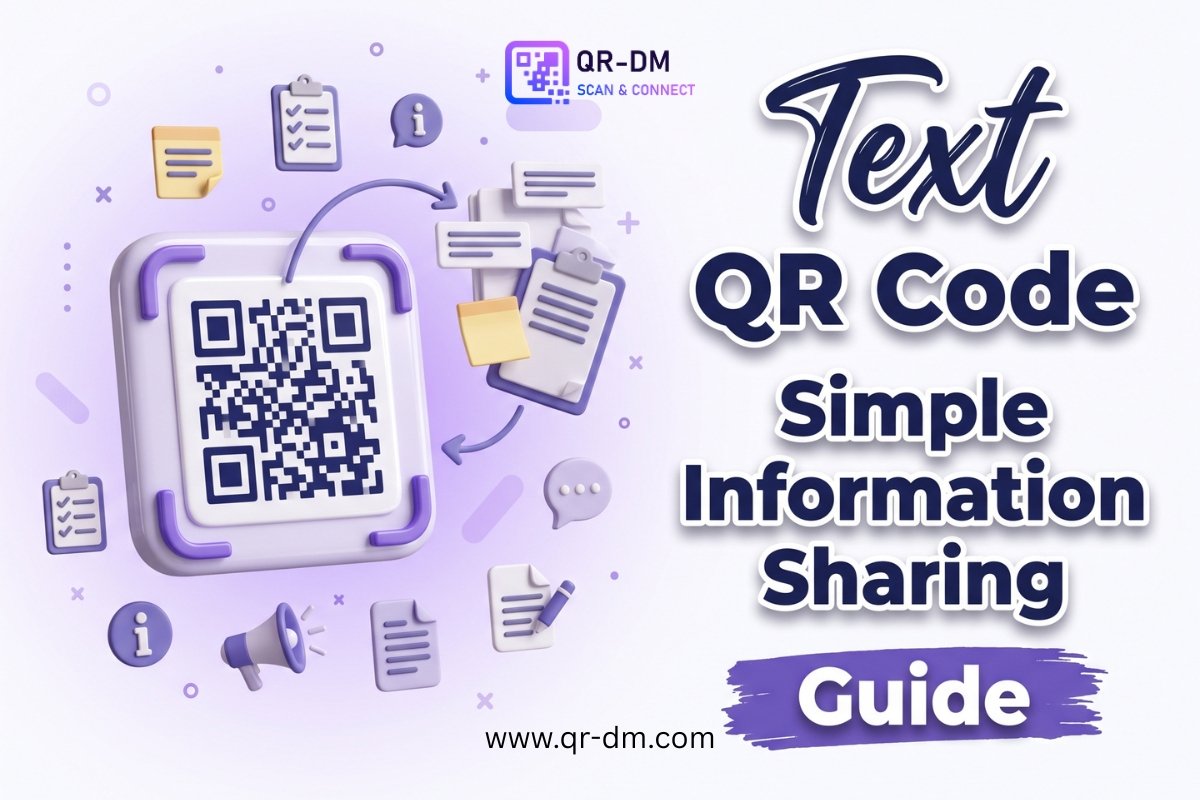
A Text QR Code Generator allows you to create QR codes that display plain text instantly when scanned. Unlike QR codes that direct users to websites, initiate phone calls, or open messaging apps, a Text QR Code simply shows the embedded information on the user’s device.
Text QR Codes are ideal for sharing short pieces of information such as instructions, product details, serial numbers, emergency contacts, authentication codes, promotional messages, or announcements. Since the text is stored directly within the QR code, many Text QR Codes can be accessed without an internet connection, making them practical for both online and offline use.
Businesses, schools, healthcare providers, retailers, manufacturers, logistics companies, event organizers, and government organizations all use Text QR Codes to provide quick access to important information.
Many QR code platforms also offer Dynamic QR Code functionality for Text QR Codes. Depending on the platform, dynamic features may include scan analytics, editable content, campaign tracking, and centralized QR code management. Similar functionality may also be available for other QR code types such as URL, WiFi, Phone, SMS, Email, Business Card, PDF, Payment, and Multi-Link QR Codes.
What is a Text QR Code?
A Text QR Code is a QR code that stores plain text directly inside the QR code. When someone scans it using a smartphone or QR scanner, the text appears immediately on their screen.
A Text QR Code can store information such as:
- Product instructions
- Safety guidelines
- Serial or model numbers
- Authentication codes
- Event schedules
- Promotional messages
- Emergency contacts
- Inventory information
- Facility rules
- Short announcements
Unlike URL QR Codes, no webpage needs to load. The information is displayed directly after scanning.
How Does a Text QR Code Work?
Creating a Text QR Code is simple:
- Enter the text you want to share.
- Generate the QR code.
- Download the QR code image.
- Print or share it digitally.
- Users scan the QR code.
- The stored text is displayed instantly on their device.
Because the information is embedded in the QR code itself, users can often access it without an internet connection.
Why Use a Text QR Code?
Sometimes users only need a small amount of information rather than an entire website or document. A Text QR Code provides immediate access without requiring additional clicks, downloads, or apps.
This makes Text QR Codes especially useful for situations where speed, simplicity, and convenience are important.
Key Benefits of Using a Text QR Code Generator
1. No Website Required
Information is displayed directly from the QR code without needing a webpage or landing page.
2. Instant Access
Users can view the content immediately after scanning.
3. Works Offline
Since the information is stored inside the QR code, many Text QR Codes can be viewed without an internet connection.
4. Easy to Create
Simply enter your text and generate the QR code—no technical skills are required.
5. Cost-Effective
You don’t need web hosting or additional infrastructure to share simple information.
6. Versatile
Text QR Codes can be used across industries for marketing, operations, logistics, education, healthcare, and customer communication.
7. Improves Information Sharing
They reduce the time and effort needed for users to access important details.
Dynamic QR Code Features for Text QR Codes
Many QR code platforms support Dynamic QR Codes, offering greater flexibility than static QR codes.
What is a Dynamic QR Code?
A Dynamic QR Code can be managed and updated after it has been created, depending on the features provided by your QR code platform.
Dynamic features may include:
- Scan analytics
- Campaign tracking
- Device statistics
- Geographic scan insights
- Editable QR content
- Centralized QR management
Why Dynamic QR Codes Are Useful
Business information often changes. Rather than printing new QR codes each time you update text, dynamic functionality can allow you to manage changes more efficiently while keeping the same QR code.
Dynamic QR technology is commonly available across multiple QR code categories, including URL, WiFi, Phone, SMS, Email, Business Card, Location, PDF, Document, Event, Payment, Multi-Link, App Download, and vCard QR Codes.
Common Uses of Text QR Codes
Product Information
Share product specifications, ingredients, warranty details, or usage instructions directly on packaging.
Event Information
Display schedules, venue instructions, speaker information, or attendee guidelines.
Inventory Management
Store product IDs, warehouse locations, inventory references, or asset information.
Education
Provide classroom instructions, homework details, learning resources, or examination guidelines.
Restaurants
Display special offers, ordering instructions, menu notes, or business hours.
Healthcare
Share patient instructions, medication reminders, emergency contacts, or treatment information.
Manufacturing and Logistics
Store batch numbers, production instructions, equipment details, or shipping information.
Visitor Information
Provide building rules, visitor policies, security instructions, or emergency procedures.
Marketing Campaigns
Share coupon codes, promotional messages, contest information, or limited-time offers.
Emergency Communication
Display emergency contacts, evacuation procedures, or safety instructions that remain accessible even without internet connectivity.
Text QR Code vs Other QR Code Types
Text QR Code vs URL QR Code
A Text QR Code displays information immediately, while a URL QR Code directs users to a website or landing page.
Text QR Code vs PDF QR Code
A Text QR Code is best for short content. A PDF QR Code is better suited for manuals, brochures, reports, or detailed documents.
Text QR Code vs Document QR Code
A Document QR Code allows users to download or view files, whereas a Text QR Code presents the information directly.
Text QR Code vs Multi-Link QR Code
A Multi-Link QR Code offers multiple destinations in one QR code, while a Text QR Code focuses on displaying a single block of information.
Best Practices for Creating a Text QR Code
Keep the Content Short
Use concise, easy-to-read text. Long paragraphs may be difficult to read on mobile devices.
Include Only Essential Information
Focus on what users need immediately after scanning.
Add a Clear Call to Action
Examples include:
- Scan for Information
- Scan to Read Instructions
- Scan for Product Details
- Scan to View Safety Guidelines
Test Before Publishing
Verify that the QR code scans correctly on different smartphones and QR scanner apps.
Consider Dynamic QR Features
If your information may change later, dynamic functionality can make updates easier without replacing printed QR codes.
Where Can You Use a Text QR Code?
Text QR Codes can be placed on:
- Product packaging
- Labels
- Flyers
- Posters
- Brochures
- Instruction manuals
- Event materials
- Healthcare documents
- Equipment tags
- Retail displays
- Warehouse inventory labels
- Visitor badges
Industries That Benefit from Text QR Codes
Text QR Codes are widely used across many sectors, including:
- Retail
- Manufacturing
- Healthcare
- Education
- Hospitality
- Logistics
- Government
- Technology
- Professional services
- Event management
Related QR Code Generators
Depending on your needs, you may also find these QR code types useful:
- URL QR Code
- PDF QR Code
- Document QR Code
- Business Card QR Code
- Location QR Code
- Payment QR Code
- Event QR Code
- Multi-Link QR Code
Each serves a different purpose, allowing you to share websites, files, payments, contact details, or multiple resources through a simple scan.
FAQs
What is a Text QR Code?
A Text QR Code stores plain text that is displayed immediately when scanned.
What is a Text QR Code Generator?
It is a tool that creates QR codes containing text-based information for quick sharing.
Do Text QR Codes require an internet connection?
Not always. Since the text is embedded directly into the QR code, many scanners can display the information without internet access.
Can Text QR Codes be dynamic?
Yes. Depending on the QR code platform, dynamic Text QR Codes may support analytics, content updates, campaign management, and scan tracking.
What information can be stored in a Text QR Code?
You can store instructions, announcements, product information, inventory IDs, authentication codes, safety messages, emergency contacts, and other short text-based content.
Conclusion
A Text QR Code Generator provides one of the simplest ways to share information instantly. Whether you’re displaying product instructions, event details, inventory information, safety notices, or promotional messages, Text QR Codes eliminate unnecessary steps and make information easily accessible.
Their ability to work offline, require no website, and deliver content immediately makes them a practical solution for businesses, educational institutions, healthcare providers, manufacturers, and organizations of all sizes. When combined with Dynamic QR Code functionality, they become even more powerful by offering greater flexibility, easier content management, and valuable scan insights for long-term use.