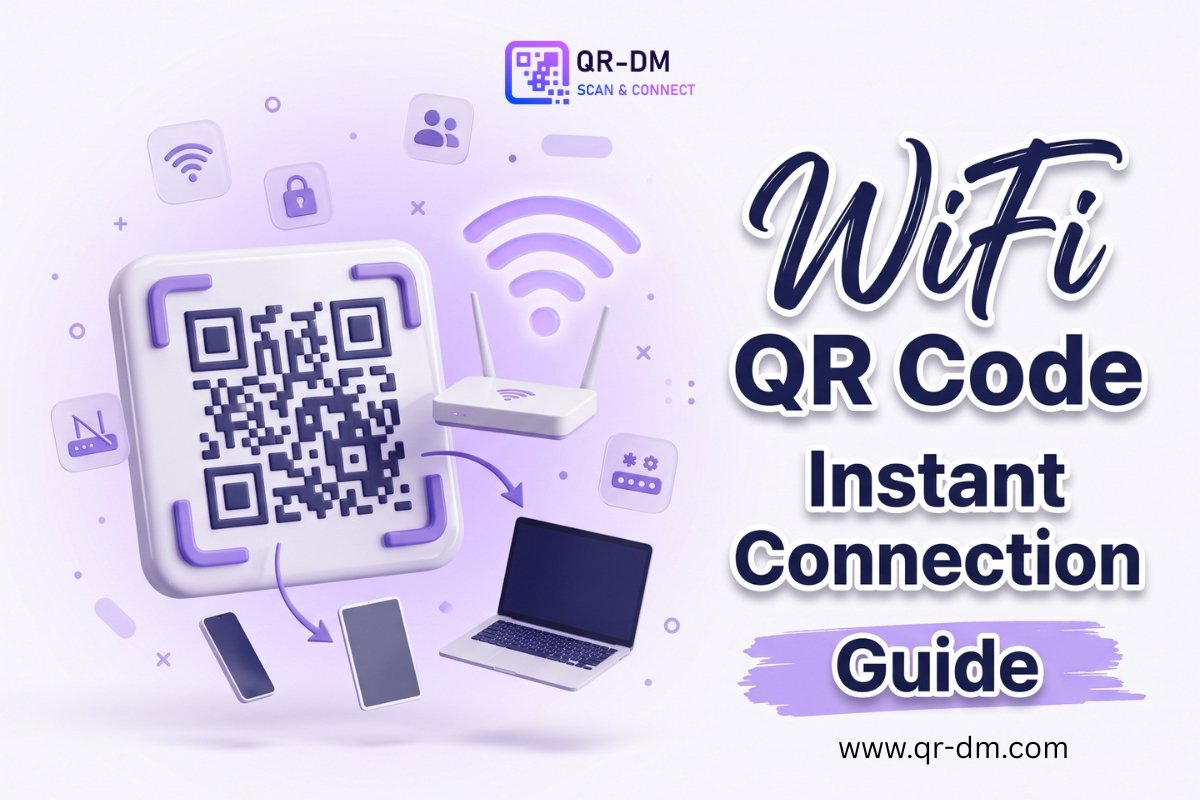
A WiFi QR Code Generator lets you create a QR code that instantly connects users to your WiFi network by simply scanning it with their smartphone. Instead of manually entering a network name and password, visitors can connect in seconds, making the process faster, easier, and more convenient.
WiFi QR Codes are widely used in restaurants, cafes, hotels, offices, coworking spaces, schools, clinics, retail stores, event venues, and public waiting areas where guests frequently request internet access. They reduce typing errors, save staff time, and create a more professional customer experience.
Many modern QR platforms also offer dynamic QR code features, allowing businesses to manage, update, and track QR codes more efficiently. These capabilities are commonly available across multiple QR code types, including URL, PDF, WhatsApp, Business Card, Payment, and Multi-Link QR Codes.
What Is a WiFi QR Code?
A WiFi QR Code is a scannable QR code that stores your wireless network information, including:
- WiFi network name (SSID)
- WiFi password
- Security type
- Hidden network setting (if applicable)
When someone scans the code using a compatible smartphone, their device automatically recognizes the network details and prompts them to connect without manually entering the password.
For example, a restaurant can place a WiFi QR Code on each table, allowing customers to connect instantly instead of asking staff for the password.
How Does a WiFi QR Code Work?
Creating and using a WiFi QR Code is simple:
- Enter your WiFi network name, password, and security type into a WiFi QR Code Generator.
- Generate the QR code.
- Print or display the QR code wherever visitors need internet access.
- Users scan the QR code using their phone.
- Their device prompts them to join the WiFi network.
This eliminates the need to verbally share or manually type complicated passwords.
Benefits of Using a WiFi QR Code Generator
Instant WiFi Access
Visitors can connect within seconds by scanning a QR code instead of entering lengthy passwords.
Better Customer Experience
Quick internet access improves convenience for customers, guests, students, patients, and event attendees while reducing unnecessary waiting.
Fewer Password Errors
Complex passwords containing uppercase letters, numbers, and symbols often cause typing mistakes. QR codes remove this problem completely.
Saves Staff Time
Employees no longer need to repeatedly answer questions about the WiFi password, allowing them to focus on customer service.
Professional Appearance
Displaying a branded WiFi QR Code on reception desks, tables, menus, welcome cards, or room cards creates a modern and organized impression.
Supports Guest Networks
Businesses can safely share a dedicated guest WiFi network instead of exposing their private internal network.
Works Everywhere
WiFi QR Codes can be printed or displayed digitally on:
- Restaurant tables
- Reception desks
- Hotel rooms
- Event banners
- Meeting rooms
- Visitor passes
- Digital displays
- Welcome emails
Dynamic WiFi QR Codes
Many QR code platforms offer dynamic QR codes, providing greater flexibility than traditional static QR codes.
Depending on the platform, dynamic QR codes may allow you to:
- Update connected information after creation
- Track scan activity
- View scan analytics
- Manage QR codes from a dashboard
- Organize business campaigns more efficiently
Dynamic functionality is commonly available across many QR code types, including WiFi, URL, PDF, Payment, Business Card, Event, App Download, and Multi-Link QR Codes.
If your business frequently updates information or manages multiple QR codes, dynamic features can simplify long-term maintenance.
Best Use Cases for WiFi QR Codes
Restaurants and Cafes
Place WiFi QR Codes on tables, menus, counters, or walls so customers can connect without asking staff.
Hotels and Guest Houses
Display QR codes in guest rooms, reception areas, lobbies, conference rooms, and welcome cards to provide convenient internet access.
Offices and Coworking Spaces
Offer guest WiFi to clients, interview candidates, vendors, and visitors through QR codes placed in reception areas and meeting rooms.
Clinics and Hospitals
Patients and visitors can connect while waiting without requesting the WiFi password from reception staff.
Schools and Training Centers
Students, teachers, parents, and visitors can easily access guest WiFi in classrooms, libraries, computer labs, and seminar halls.
Events and Conferences
Provide temporary WiFi access by printing QR codes on registration desks, welcome boards, badges, exhibition booths, and conference tables.
Retail Stores
Customers can quickly connect to browse products, compare prices, complete digital forms, or access online catalogs while shopping.
Home and Rental Properties
Homeowners, Airbnb hosts, vacation rentals, and home offices can offer guests simple WiFi access without repeatedly sharing passwords.
WiFi QR Code vs Other QR Code Types
A WiFi QR Code is specifically designed to connect users to a wireless network.
Other QR code types serve different purposes:
- URL QR Code: Opens a website or landing page.
- WhatsApp QR Code: Starts a WhatsApp conversation.
- Phone QR Code: Calls a phone number directly.
- PDF QR Code: Opens documents such as menus, brochures, or manuals.
- Payment QR Code: Simplifies digital payments.
- Multi-Link QR Code: Shares multiple business links from one QR code.
Each QR code type is designed for a specific action, making it important to choose the one that matches your business objective.
Best Practices for Creating a WiFi QR Code
To achieve the best results:
- Use a separate guest WiFi network instead of your private internal network.
- Place the QR code where visitors naturally look for internet access.
- Include a clear call-to-action such as “Scan to Connect to WiFi.”
- Print the QR code at an appropriate size with good contrast and sufficient white space.
- Test the QR code on both Android and iPhone devices before displaying it.
- Update the QR code whenever your network name or password changes.
- Avoid sharing sensitive internal business networks with public visitors.
Where Should You Place a WiFi QR Code?
The best locations include:
- Restaurant tables
- Cafe counters
- Hotel rooms
- Reception desks
- Meeting rooms
- Waiting areas
- Event registration counters
- Exhibition booths
- Libraries
- Training centers
- Customer lounges
- Guest houses
- Retail stores
- Airbnb properties
Place the QR code where people are most likely to request WiFi access.
FAQs
What is a WiFi QR Code Generator?
A WiFi QR Code Generator creates a QR code containing your WiFi network details so users can connect by scanning instead of entering the password manually.
Can I print a WiFi QR Code?
Yes. WiFi QR Codes can be printed on posters, menus, table cards, welcome letters, room cards, brochures, visitor passes, and reception signs.
Should businesses use guest WiFi?
Yes. Using a separate guest network provides visitors with internet access while helping protect your internal business network.
Can a WiFi QR Code be dynamic?
Yes. Depending on the QR platform, dynamic WiFi QR Codes may support editing, analytics, scan tracking, and easier management after creation.
Conclusion
A WiFi QR Code Generator is one of the easiest ways to simplify internet access for customers, guests, employees, and visitors. Instead of manually sharing passwords, users simply scan a QR code and connect within seconds.
Whether you operate a restaurant, hotel, office, clinic, retail store, school, event venue, or rental property, WiFi QR Codes improve convenience, reduce staff workload, minimize password errors, and enhance the overall user experience. Combined with dynamic QR code features for easier management and tracking, they provide a practical and professional solution for modern businesses looking to deliver seamless WiFi access.