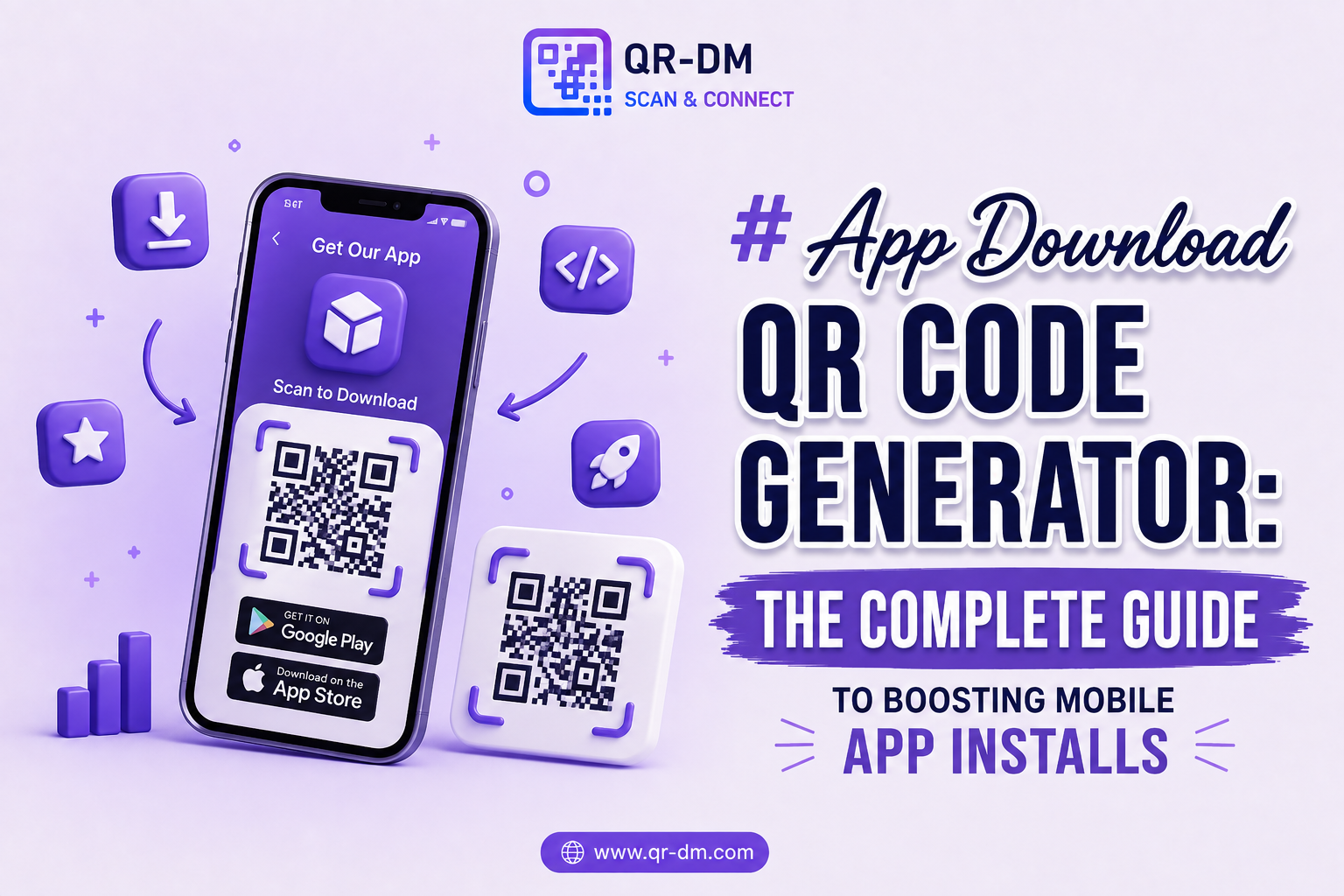
An App Download QR Code Generator helps businesses promote mobile applications by letting users install an app in seconds with a single scan. Instead of searching the Apple App Store or Google Play Store by name, users are taken directly to the correct download page — removing friction at the exact moment they’re ready to convert.
In mobile marketing, every extra step between “I’m interested” and “I’ve installed” costs conversions. An App Download QR Code Generator closes that gap by turning any offline touchpoint — packaging, posters, receipts, business cards — into a direct path to an app install.
App Download QR Codes are widely used by mobile app developers, SaaS companies, e-commerce brands, fintech startups, educational platforms, healthcare providers, gaming companies, restaurants, and loyalty programs. As mobile adoption keeps growing, they remain one of the fastest ways to bridge offline and online marketing with real app installations.
Dynamic QR Code functionality can also be applied to App Download QR Codes, just as it can across other QR types such as URL, WiFi, Phone, SMS, Email, Business Card, Location, Text, WhatsApp, Document, PDF, Event QR, Payment, and Multi-Link QR Codes.
What is an App Download QR Code?
An App Download QR Code is a scannable code that sends users straight to a mobile app’s download page. Once scanned, the user lands on the appropriate app store and can install the app without any manual searching.
Depending on how it’s set up, the QR code can detect the scanning device and redirect users to:
- Google Play Store for Android devices
- Apple App Store for iOS devices
- Alternative app marketplaces
- Custom app installation or landing pages
How Does an App Download QR Code Work?
The process is straightforward from setup to install:
- Add your Android and iOS app store download links.
- Generate the App Download QR Code.
- Print it or share it digitally.
- A user scans the code with their phone camera.
- The system detects whether the device is Android or iOS.
- The user is redirected to the matching app store.
- The app can be downloaded instantly, with no manual search required.
Why App Download QR Codes Are Useful
One of the biggest challenges in app marketing is reducing the number of steps between discovery and installation. Every additional click, search, or typo risk lowers conversion rates.
App Download QR Codes solve this by creating a direct bridge from physical or digital marketing materials to the app store listing. There’s no need to remember an app name, spell it correctly, or scroll through search results — the QR code does the work.
Key Benefits of Using an App Download QR Code Generator
1. Increases App Downloads
Fewer steps between intent and install means more people follow through, which directly improves conversion rates from marketing campaigns.
2. Better User Experience
Users don’t need to search for the app manually, reducing the chance they land on the wrong app, a lookalike app, or give up partway through.
3. Supports Cross-Platform Distribution
A single QR code can intelligently route Android users to Google Play and iOS users to the App Store, so you don’t need separate codes for separate audiences.
4. Ideal for Offline Marketing
Posters, flyers, product packaging, and print advertisements can all drive app downloads directly, connecting offline touchpoints to digital conversions.
5. Faster Customer Onboarding
New customers can install the app and start using it immediately after a purchase, sign-up, or in-store interaction.
6. Improves Marketing Campaign Performance
App installation becomes a simple scan-and-download action, which can raise completion rates across print, packaging, and event campaigns.
7. Reduces User Friction
There’s no searching, typing, or manual navigation involved — just a scan and a redirect to the right destination.
Dynamic QR Code Feature for App Download QR Codes
What is a Dynamic QR Code?
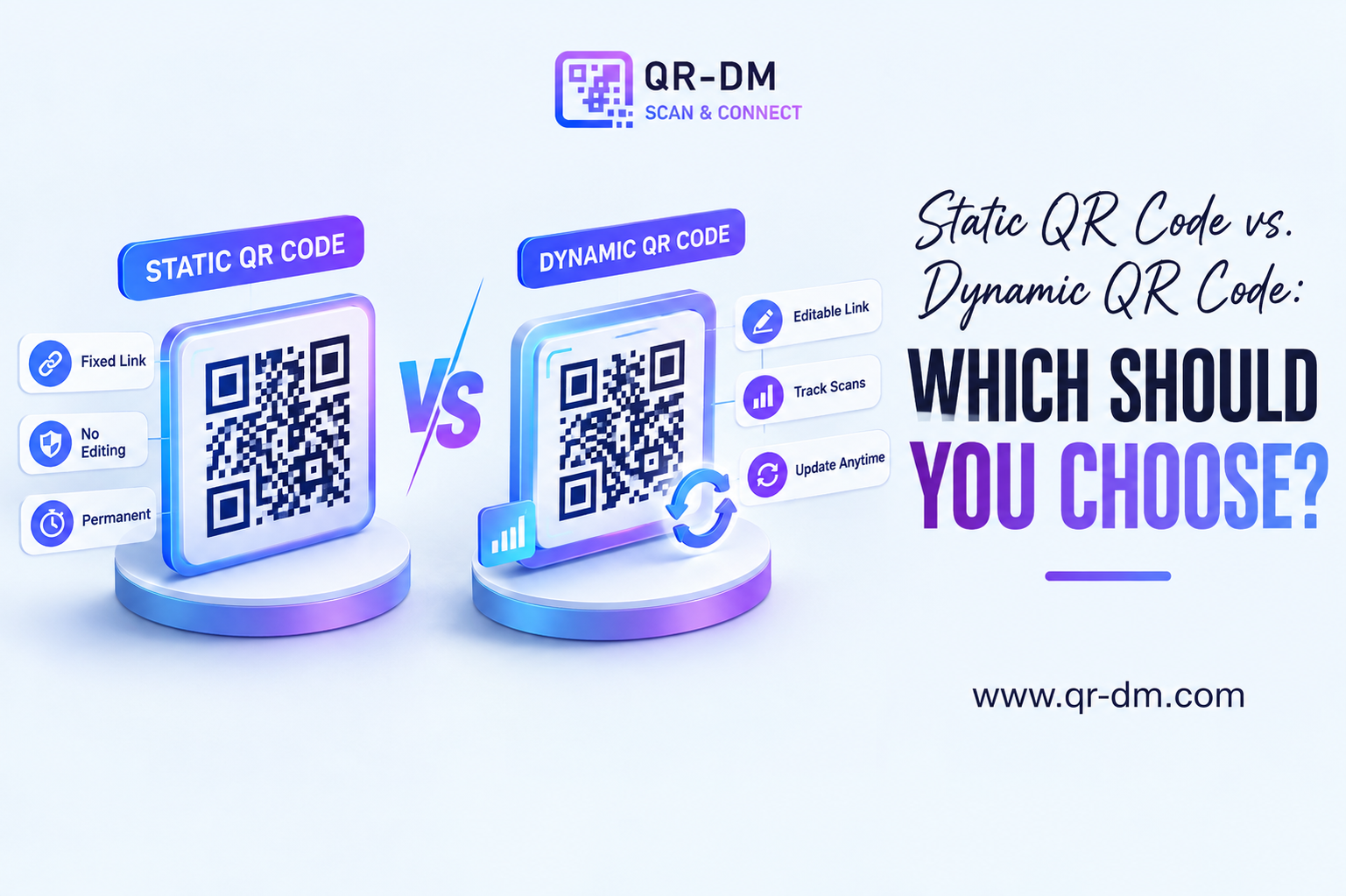
A dynamic QR code can be managed, updated, and tracked after it has already been printed or published, depending on the features supported by the QR platform. Unlike a static QR code, it gives you ongoing control over where the code points and how it performs.
Dynamic QR Code features for App Download QR Codes may include:
- Scan analytics
- Campaign tracking
- Device analytics (Android vs iOS breakdown)
- Location insights
- Editable download links
- Centralized QR management from a dashboard
Why Dynamic QR Codes Are Useful
App store links, promotional landing pages, and campaign destinations can change over time — a new app version, a rebrand, or a shift in campaign strategy may require an updated link. Dynamic QR functionality lets businesses update the destination without reprinting or replacing the QR code that’s already out in the world.
Dynamic QR Codes for All QR Types
Dynamic QR functionality isn’t unique to App Download QR Codes — it can be treated as a common feature across QR categories including URL, WiFi, Phone, SMS, Email, WhatsApp, Business Card, Location, Text, Document, PDF, Event, App Link, Payment, Multi-Link, and vCard QR Codes.
App Download QR Code Use Cases
1. Mobile App Marketing
Drive app installs through print and digital campaigns, turning ad impressions into actual downloads.
2. SaaS Applications
Help customers download companion mobile apps that extend their desktop or web-based subscription.
3. E-commerce Apps
Send shoppers directly to your shopping app from packaging inserts, receipts, or in-store signage.
4. Restaurant Ordering Apps
Encourage customers to download ordering and loyalty apps from table cards or receipts.
5. Fintech Applications
Promote mobile banking, payment, and investment apps through branch signage or printed statements.
6. Healthcare Platforms
Give patients quick access to portals and healthcare apps from clinic materials or discharge paperwork.
7. Educational Apps
Let students download learning platforms instantly from classroom materials or orientation packets.
8. Event Applications
Encourage attendees to install event management apps from badges, banners, or registration desks.
9. Gaming Applications
Drive downloads for mobile games through promotional campaigns, packaging, and cross-promotion.
10. Loyalty and Rewards Programs
Increase membership engagement by making it effortless to install a dedicated rewards app.
App Download QR Code vs Other QR Code Types
App Download QR Code vs App Link QR Code
An App Link QR Code opens content inside an app that’s already installed. An App Download QR Code helps users install the app in the first place.
App Download QR Code vs URL QR Code
A URL QR Code opens a website. An App Download QR Code sends users to an app store listing instead.
App Download QR Code vs Multi-Link QR Code
A Multi-Link QR Code can present several destinations from one code. An App Download QR Code stays focused on a single goal: getting the app installed.
Best Practices for Creating an App Download QR Code
1. Use Official App Store Links
Always link to verified, official app listings to protect user trust and avoid sending traffic to the wrong page.
2. Add a Clear Call to Action
Tell people exactly what scanning will do:
- Scan to Download the App
- Get the App Now
- Install Our Mobile App
- Download and Get Started
3. Test Across Devices
Confirm that Android and iOS users are each redirected to the correct store before printing or publishing widely.
4. Use Dynamic QR Features
Dynamic QR functionality can provide analytics and let you manage or update campaigns without reprinting materials.
5. Place QR Codes Where Users Can Easily Scan
Good visibility, size, and contrast — plus easy access for a phone camera — can meaningfully improve download rates.
Where Can You Place an App Download QR Code?
- Product packaging
- Store displays
- Flyers
- Posters
- Brochures
- Advertisements
- Trade show booths
- Business cards
- Email campaigns
- Customer onboarding materials
- Event signage
- Receipts and invoices
Industries That Can Use App Download QR Codes
- Technology
- SaaS
- E-commerce
- Healthcare
- Education
- Financial services
- Hospitality
- Retail
- Gaming
- Events and conferences
FAQ About App Download QR Codes
What is an App Download QR Code?
An App Download QR Code directs users to an app store where they can install a mobile application, removing the need to search for it manually.
What is an App Download QR Code Generator?
It’s a tool used to create QR codes that simplify app installation and streamline app marketing across print and digital channels.
Can one QR Code support both Android and iPhone users?
Yes. Many App Download QR Codes can detect the scanning device and redirect users to the correct app store automatically.
Can App Download QR Codes be dynamic?
Yes. Dynamic QR functionality may provide analytics, tracking, and editable destination management, depending on the platform.
Who should use App Download QR Codes?
App developers, SaaS companies, retailers, fintech businesses, healthcare providers, educators, event organizers, and marketers looking to boost installs.
Conclusion
An App Download QR Code Generator is one of the most effective tools for increasing mobile app installations and improving customer onboarding.
By eliminating unnecessary steps and routing users straight to the correct app store, App Download QR Codes help improve conversion rates, user experience, and overall marketing performance.
Combined with Dynamic QR Code functionality, App Download QR Codes become a flexible, long-term solution for app marketing, customer acquisition, and mobile engagement strategies — one QR code, placed once, that keeps working as your app and campaigns evolve.
Ready to create your own QR code?
Put these strategies into practice. Generate clean, high-resolution static or dynamic QR codes in seconds with full design customization, vector export, and scan analytics.
Zain
Technical Writer & QR Specialist